
|
Hi! I'm Alice, a rising junior at Carnegie Mellon University studying communication design with a minor in professional writing. I joined the macroinvertebrates team this summer as a design/research assistant, and I’ve been working on some site iterations for macroinvertebrates.org the past three weeks—namely, building stronger relationships between icon navigation and the actual informational content. I’ve learned a lot about prototyping quickly and keeping my work organized, in order to present solutions that have to rapidly be pushed to development. Having learned some basic web design and HTML/CSS, it was also a good learning opportunity in working with a developer to figure out what can or should be coded. On the previous version of the site, navigational icons floated above the panels that held important and interesting content. We wanted to change the structure for organizing the content without creating a major overhaul of the previous system. 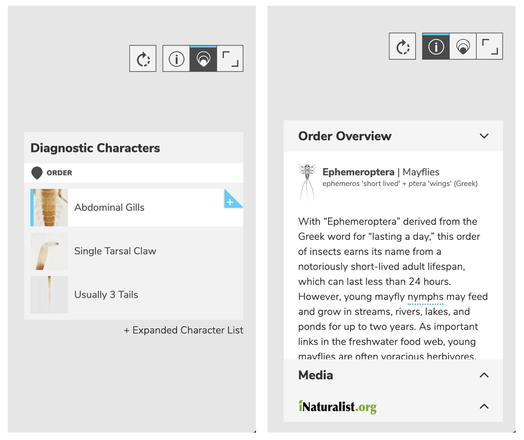 The original structure for information, with four icons floating above. Some of the questions I had to figure out for creating a side panel:
One major issue was having a system where all of the content (order/family overview, media, iNaturalist photos, life history, characteristics) could be visible together but still consolidated. The original site had some strange floating/scrolling rules in order to fit all of the information. To address this, I explored different ‘drawer’, or side-panel, designs. 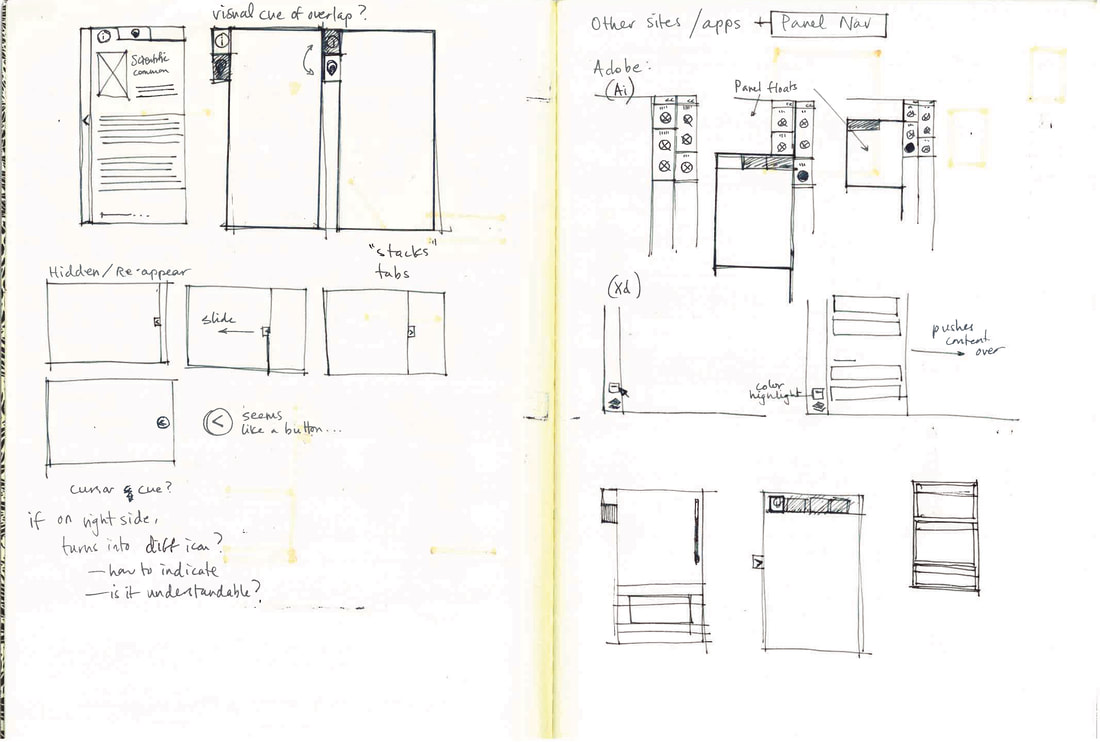 Sketches of tab functions, and existing navigation panels on other platforms. In the end, we took the ‘Media’ content and the iNaturalist photos and grouped them into their own separate category, which was then referred to as the Media Tab. The panel thus had three tabs at the top: Information, Diagnostic Characteristics, and Media. In trying to incorporate the ‘clear all’ function, to show the macroinvertebrates without any identifying information, we took advantage of the structure of the panel; when the panel closed, it also cleared all information, leaving just the images of the macroinvertebrates. The default then became having the panel open to the diagnostic characteristics tab. 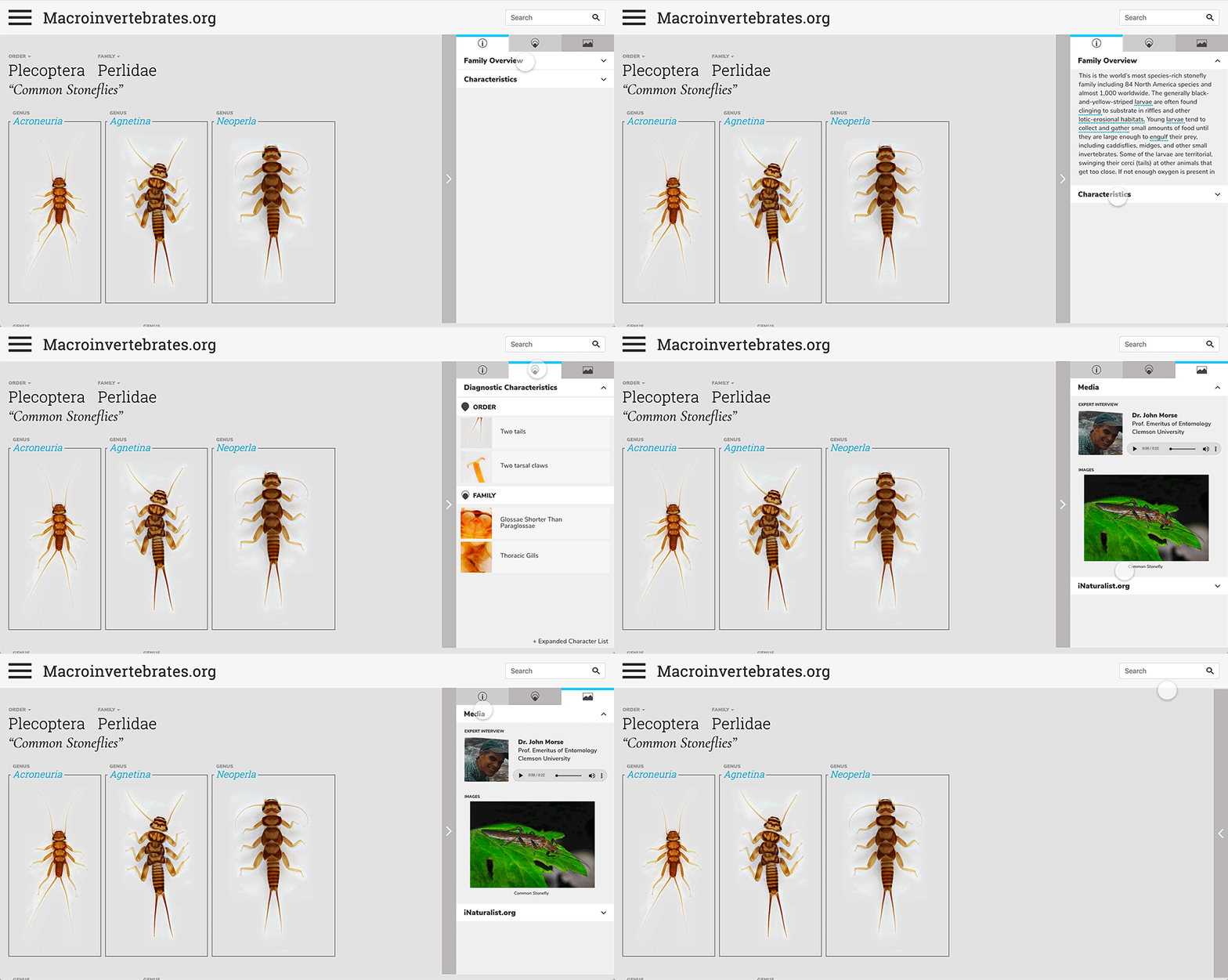 Three tabs organizing the information in the panel. 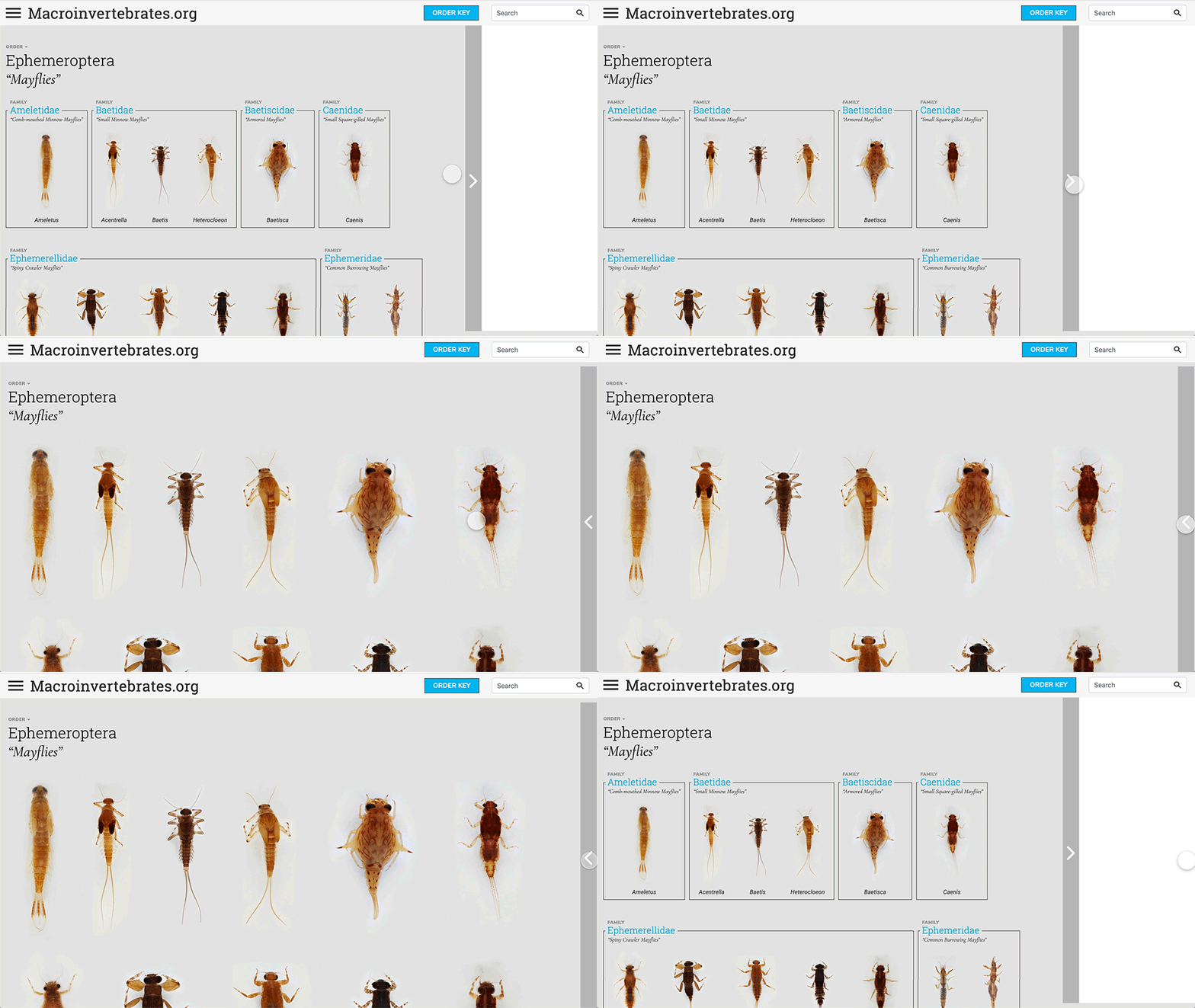 Closing the panel clears the information. I also played around with different hover cues for the diagnostic characteristics. Clicking on a characteristic opened up a gallery that compared that characteristic for the selected macroinvertebrate with others that had the same feature.
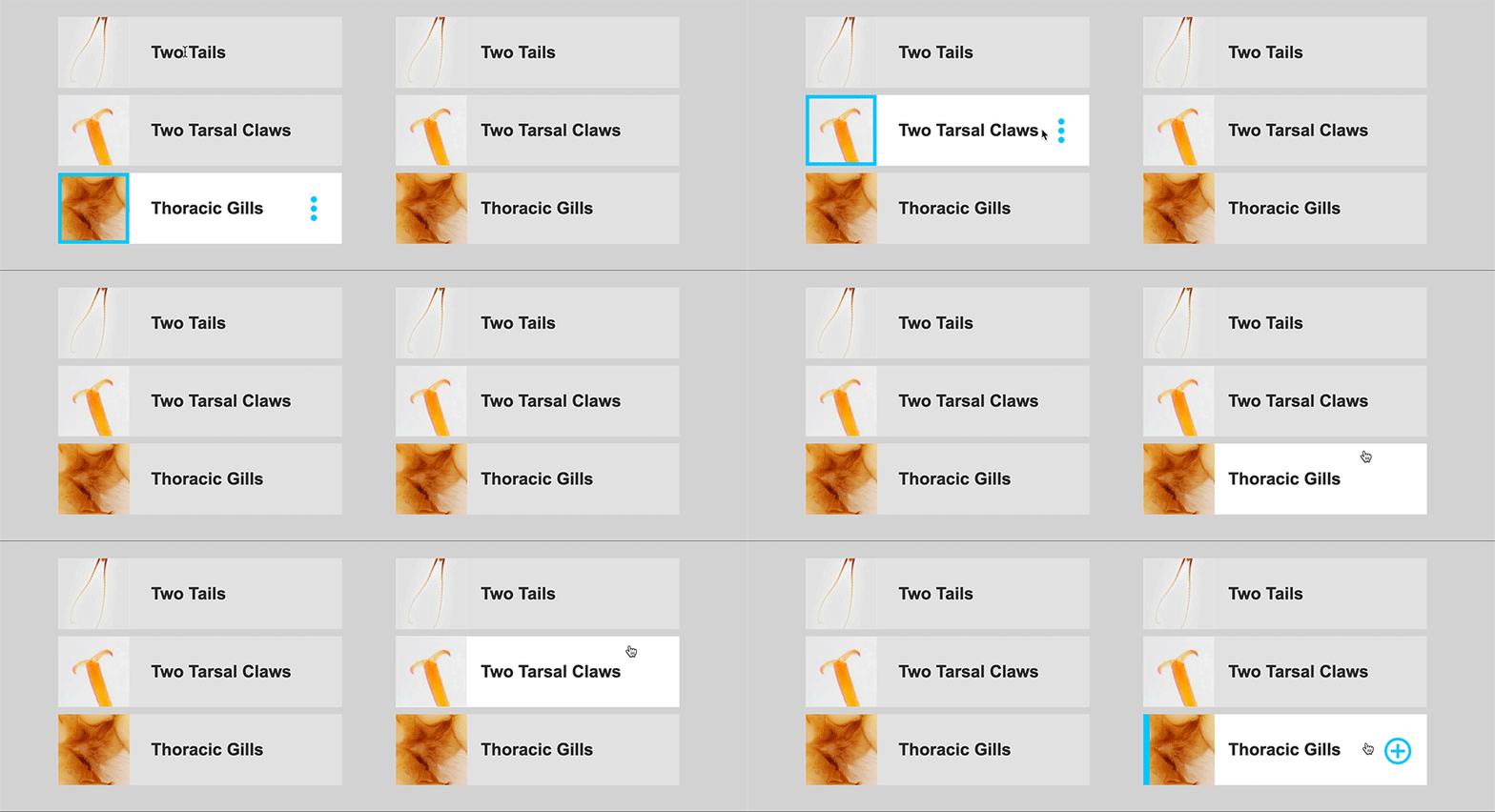 Playing with different hover states. 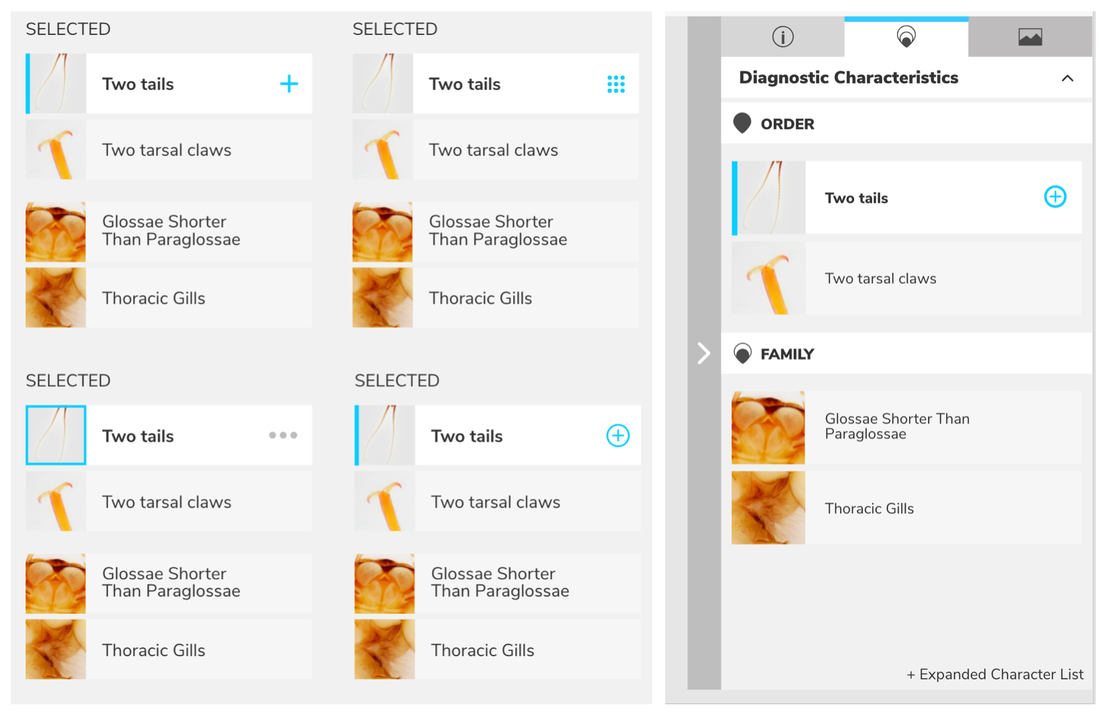 Exploring different icons and color indicators. Comments are closed.
|
Project TeamAn interdisciplinary team Categories
All
Archives
June 2023
|
 RSS Feed
